

Logistics
Web & MobileFreight Operator
A dispatcher web application for managing loads, documents, routing, billing, and driver operations from pickup through delivery.
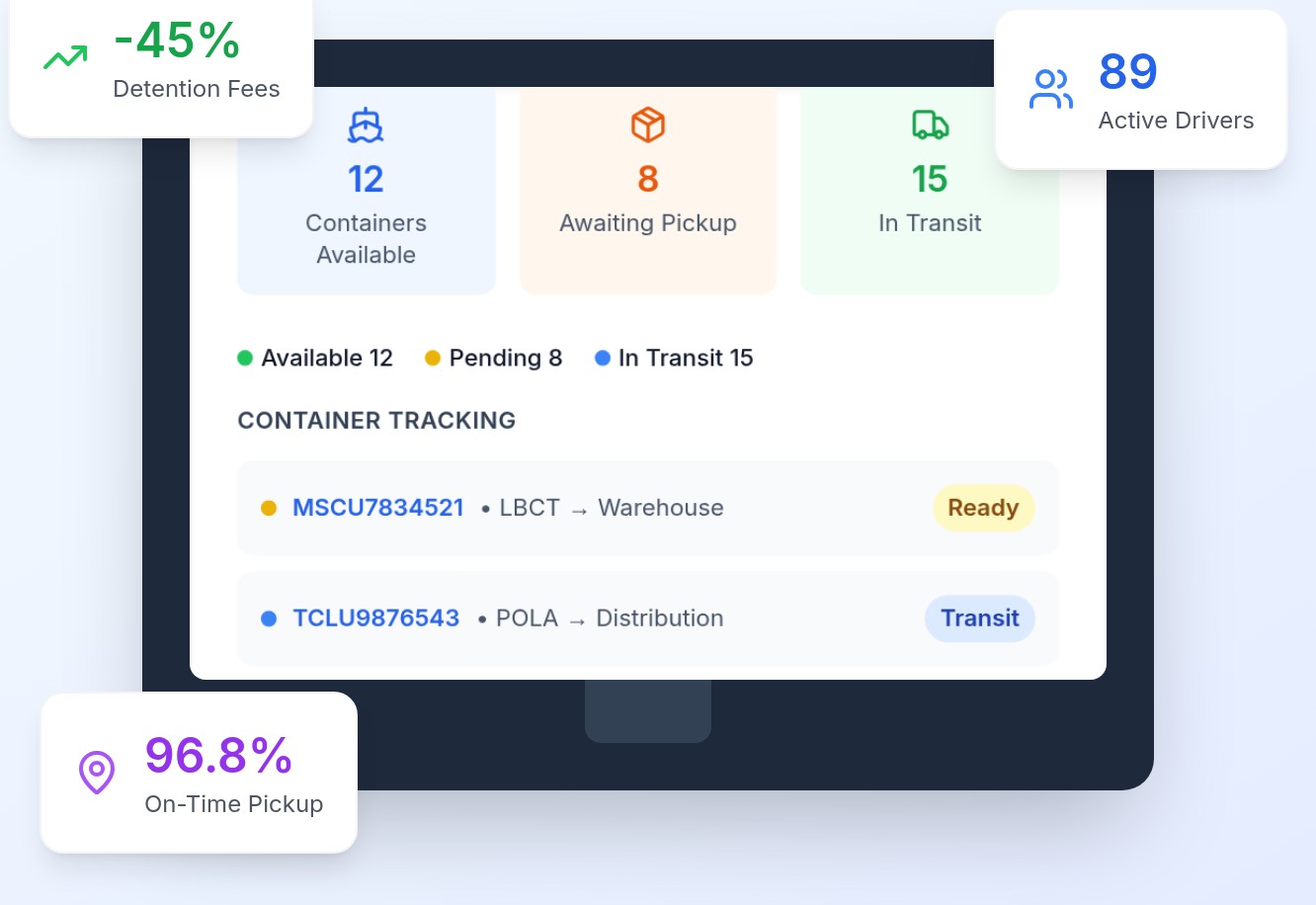
Product Overview
See FreightOperator in action
A quick look at how carriers dispatch, track, and bill their entire drayage operation from one platform.
The Product
About the Web & Mobile App
Freight Operator is a transportation management web application for dispatchers. Dispatchers open a load workspace with customer, pickup, delivery, and return locations, then work across Load Info, Billing, Documents, Payments & Credits, Routing, Driver Pay & Expenses, Tracking, Communication, Audit, and Notes.
Load records capture container and equipment data such as container number, size, type, owner, vessel ETA, last free day, discharged and outgate dates, master bill of lading, and seal numbers. A map preview sits beside the load summary. Status is shown on the load header, for example Available.
A create-load workflow reads a delivery order PDF, fills load type and route type, shows the document beside the form, and lets the dispatcher create the load and reply by email from the same screen. Documents can be dragged in or selected, with cards for files such as a Delivery Order.
THEME
Primary
#3A82EF
Secondary
#1A73E8
Background
#0F172A
TYPOGRAPHY
Inter
Aa Bb Cc Dd Ee Ff Gg Hh Ii Jj Kk Ll Mm Nn Oo Pp Qq Rr Ss Tt Uu Vv Ww Xx Yy Zz 0123456789
Objectives
Project Goals
Give dispatchers one load workspace
Keep customer, locations, equipment, dates, documents, billing, routing, and communication on a single load record instead of scattered tools.
Turn delivery orders into loads
Let a dispatcher review a delivery order PDF, confirm extracted fields such as load type and route type, then create the load and reply in one flow.
Keep operational documents with the load
Upload, preview, and store files like delivery orders against the active load so paperwork stays attached to the move.
Product Screens
Inside the platform
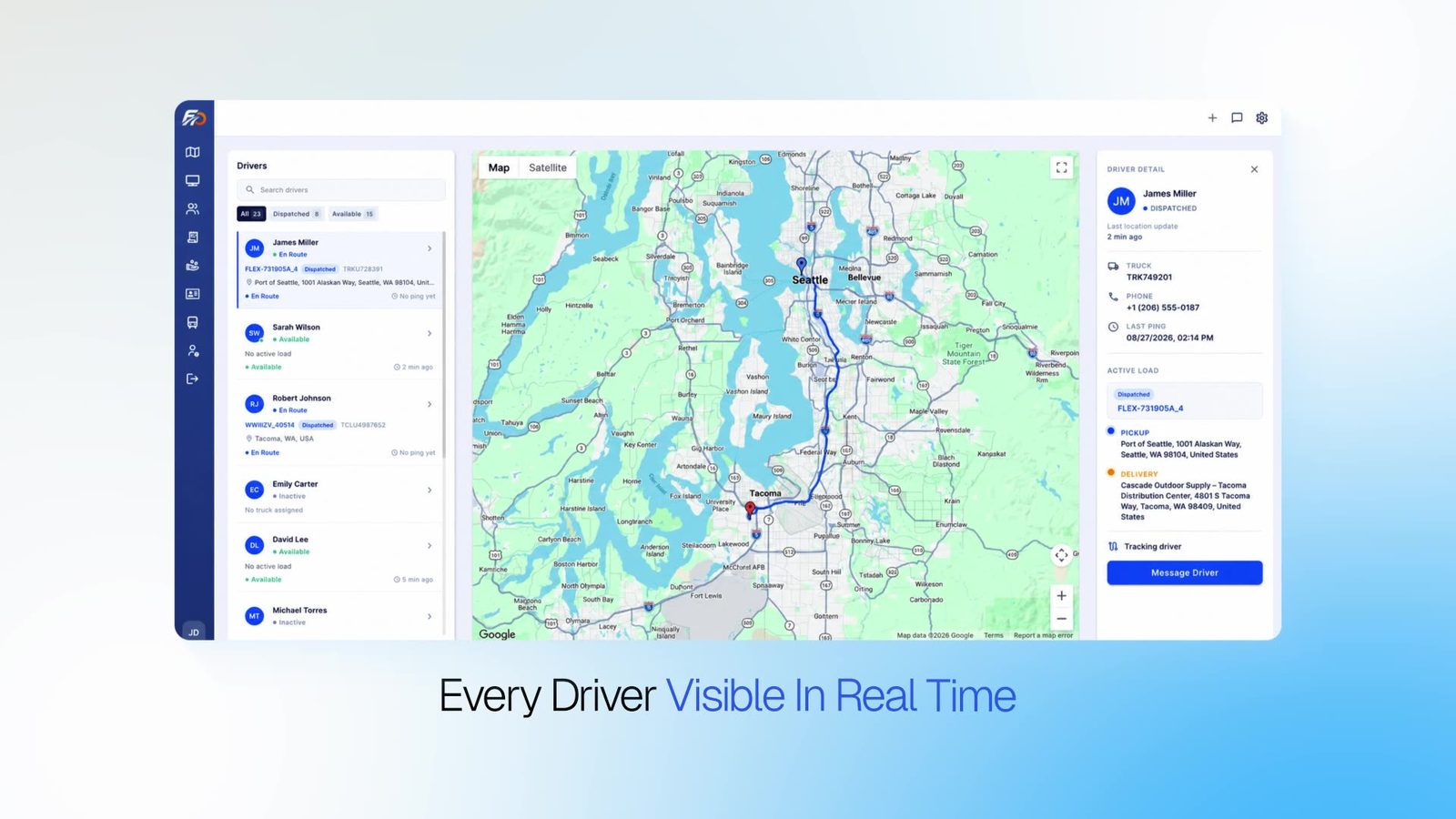
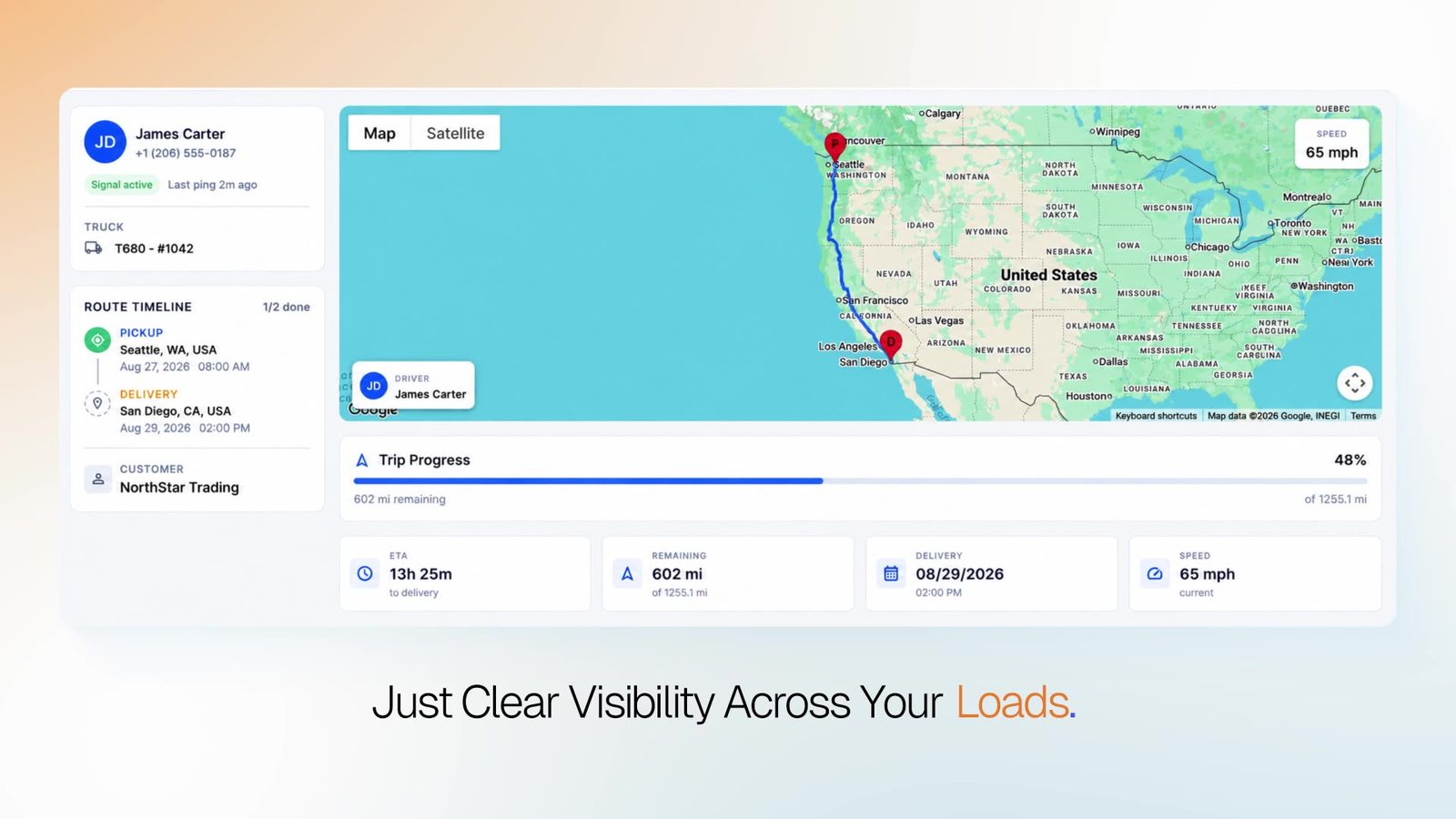
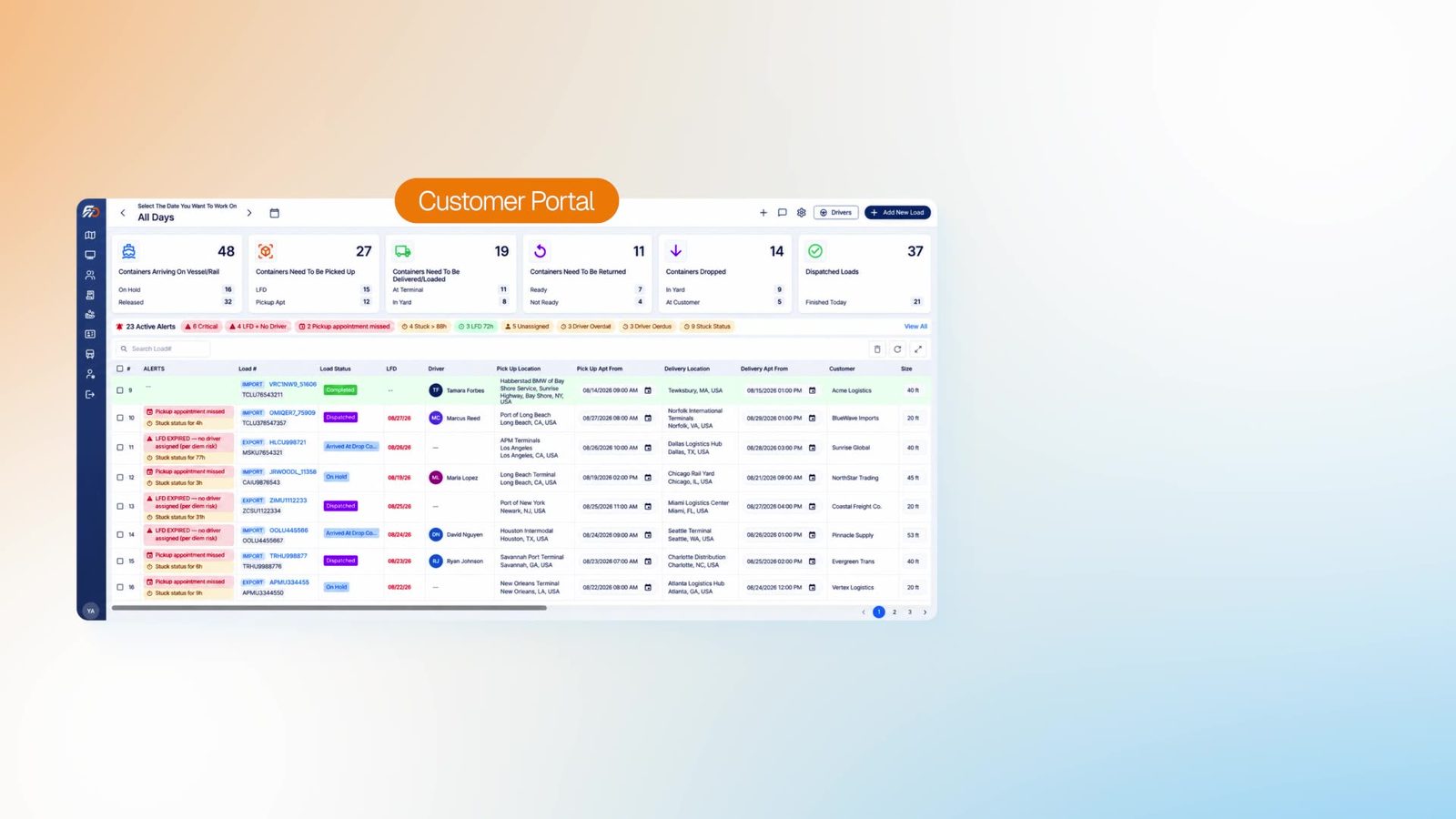
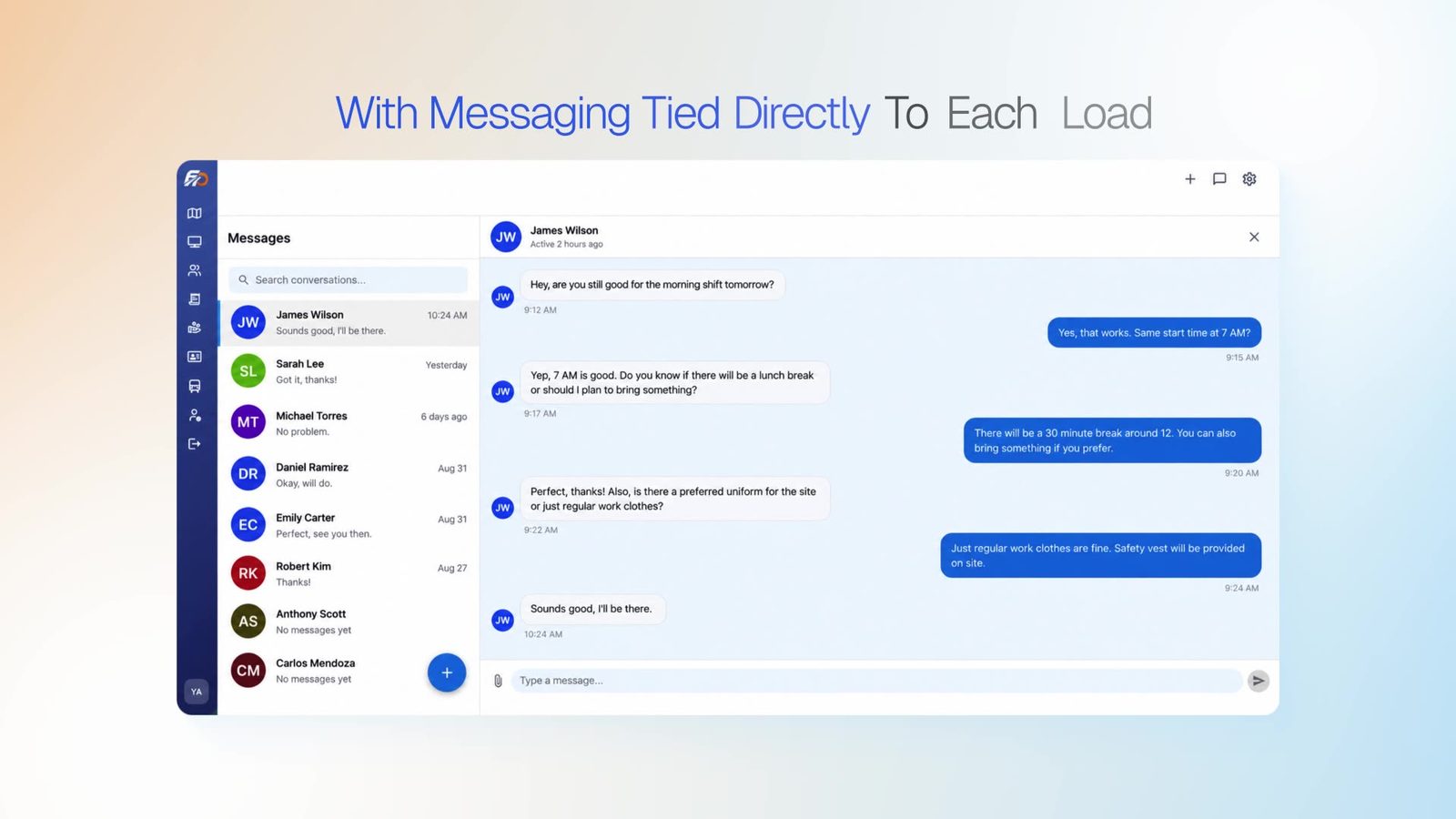
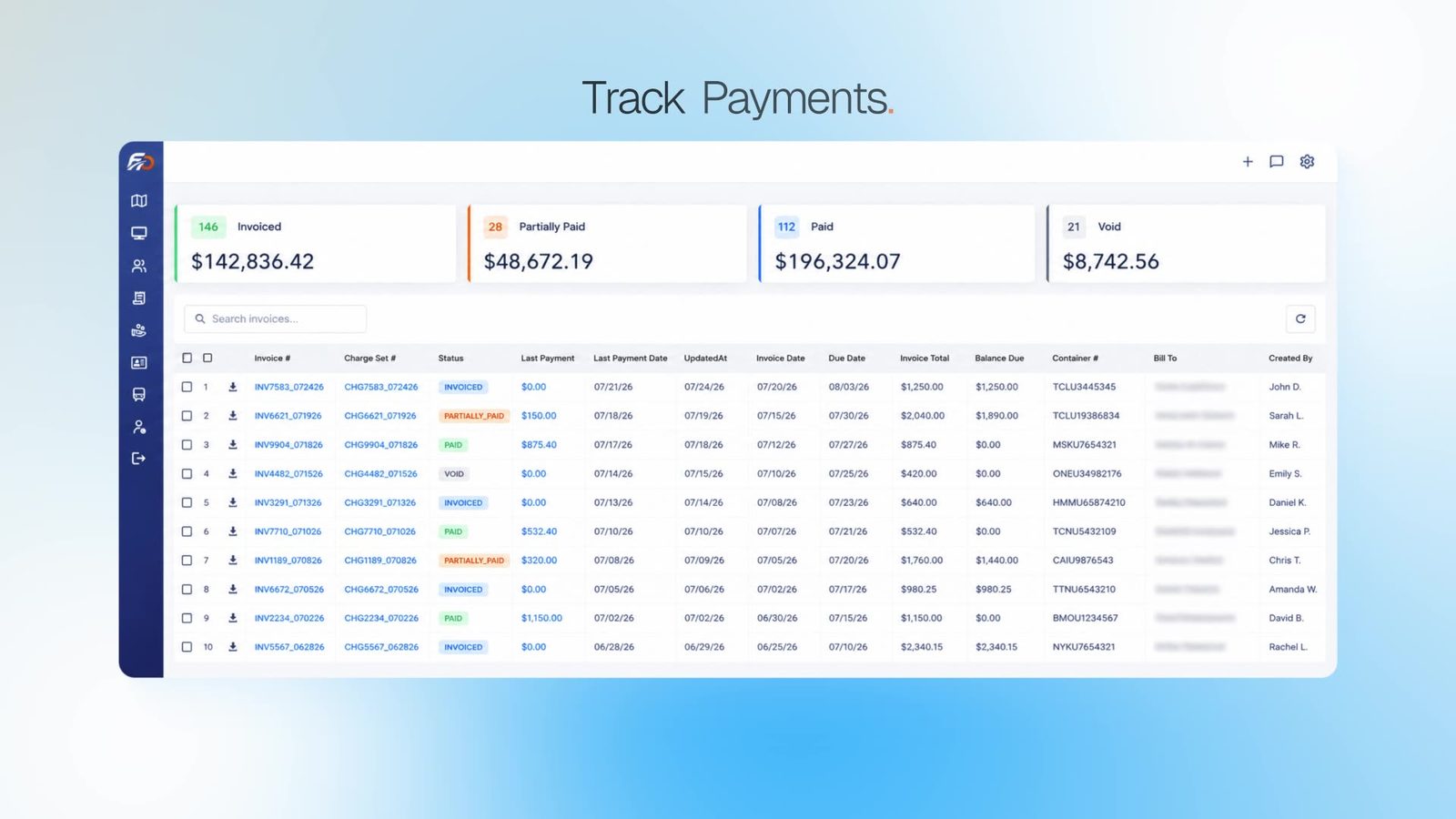
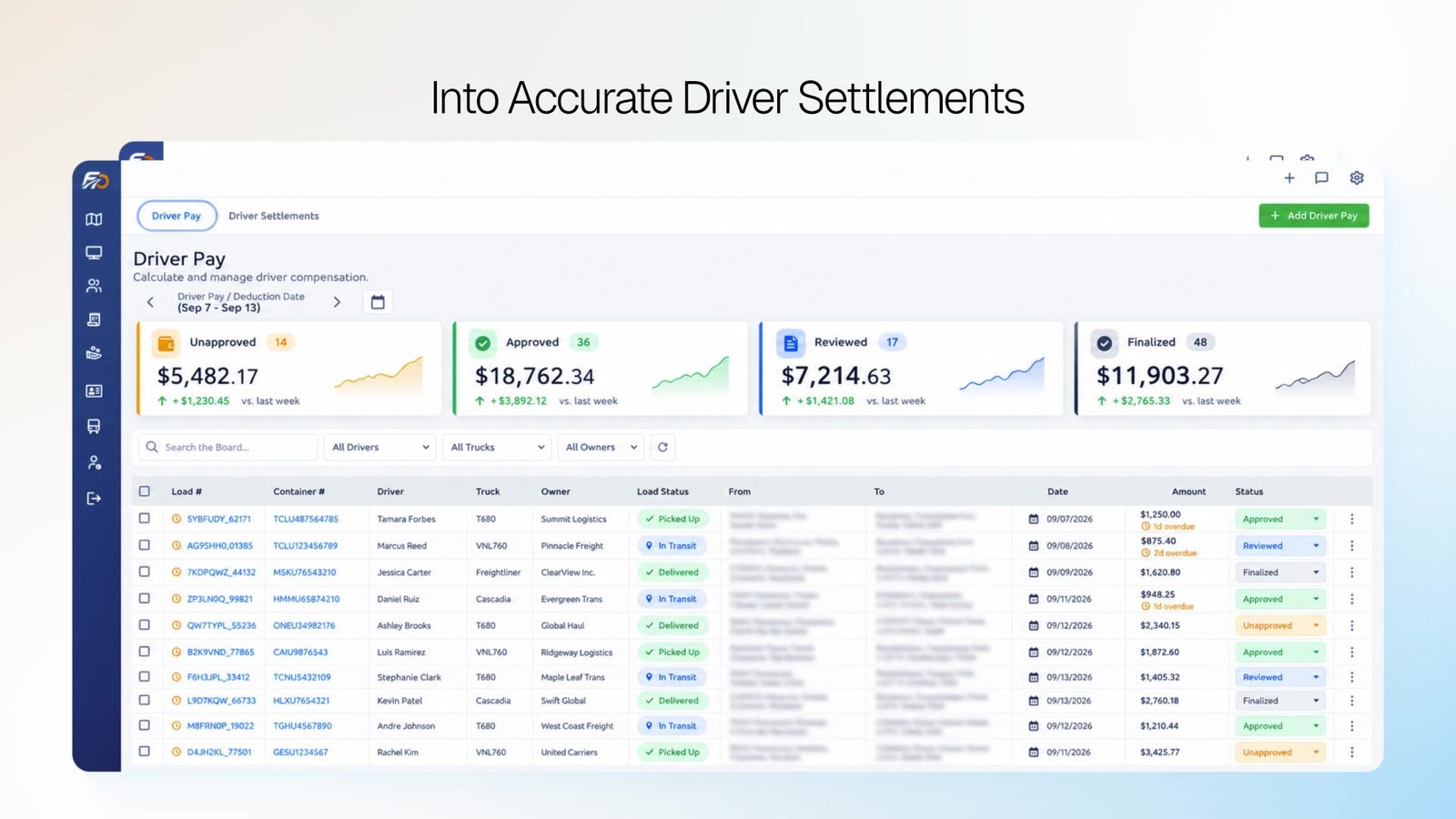
Live tracking, dispatch, messaging, and billing from FreightOperator, shown so the working interface stays readable.
Live tracking
Trip progress
Dispatch board
Load messaging
Payments
Driver settlements
Challenges
Project Challenges
High-density logistics data: A single import load carries customer, terminal, consignee, container, vessel dates, miles, and references that have to stay readable without hiding the map or status.
Paperwork arrives as PDFs and email: Delivery orders need to be reviewed beside the form that creates the load, then acknowledged without leaving the dispatcher workspace.
Many operational modules on one record: Billing, routing, driver pay, tracking, and notes all belong to the same load and need a tabbed structure rather than separate apps.
Process
Our Approach
- 01
Tabbed load workspace
The load header keeps the load number and status visible while tabs switch between info, documents, billing, routing, tracking, and related modules.
- 02
Document-led load creation
Dispatchers open a delivery order in a PDF viewer, confirm import and route details, then use Create Load & Reply to Email without leaving the screen.
- 03
Files stay on the load
The Documents tab provides drag-and-drop upload and cards for each file, including type, uploader, and timestamp next to the load summary.
Highlights
Key Features
Load info and equipment
Customer, pickup, delivery, return, container size and type, owner, hazmat and related flags, vessel dates, and reference numbers in one view.
Create load from delivery order
PDF delivery orders are reviewed beside extracted fields such as load type (Import) and route type (Pick and Run + Live Unload), with an in-app email reply.
Documents
Drag-and-drop or select files, then manage delivery orders and other paperwork as cards on the load.
Dispatcher modules
Load Info, Billing, Documents, Payments & Credits, Routing, Driver Pay & Expenses, Tracking, Communication, Audit, and Notes.
Map and status
A load summary sidebar includes a map preview and a status badge on the header so the current state of the move is visible while editing.
Portfolio
More Projects

Share Accountz
A web and mobile app for sharing bank accounts and social handles from one profile, with a dashboard, QR code, and one-click share link.

Purchase Tracker 360
iOS, Android, and a web admin for purchase analytics — scan barcodes, log prices and stores, and keep the catalog on one AWS-backed product.
Start Your Project
Ready to build something like this?
Tell us about your idea and we will help you turn it into a reliable digital product.